Excel Pro: Mastering Excel From Basics to Advanced Data Analysis
Learn and Unlock the Power of Microsoft Excel for Efficient Data Management, Analysis, and Reporting
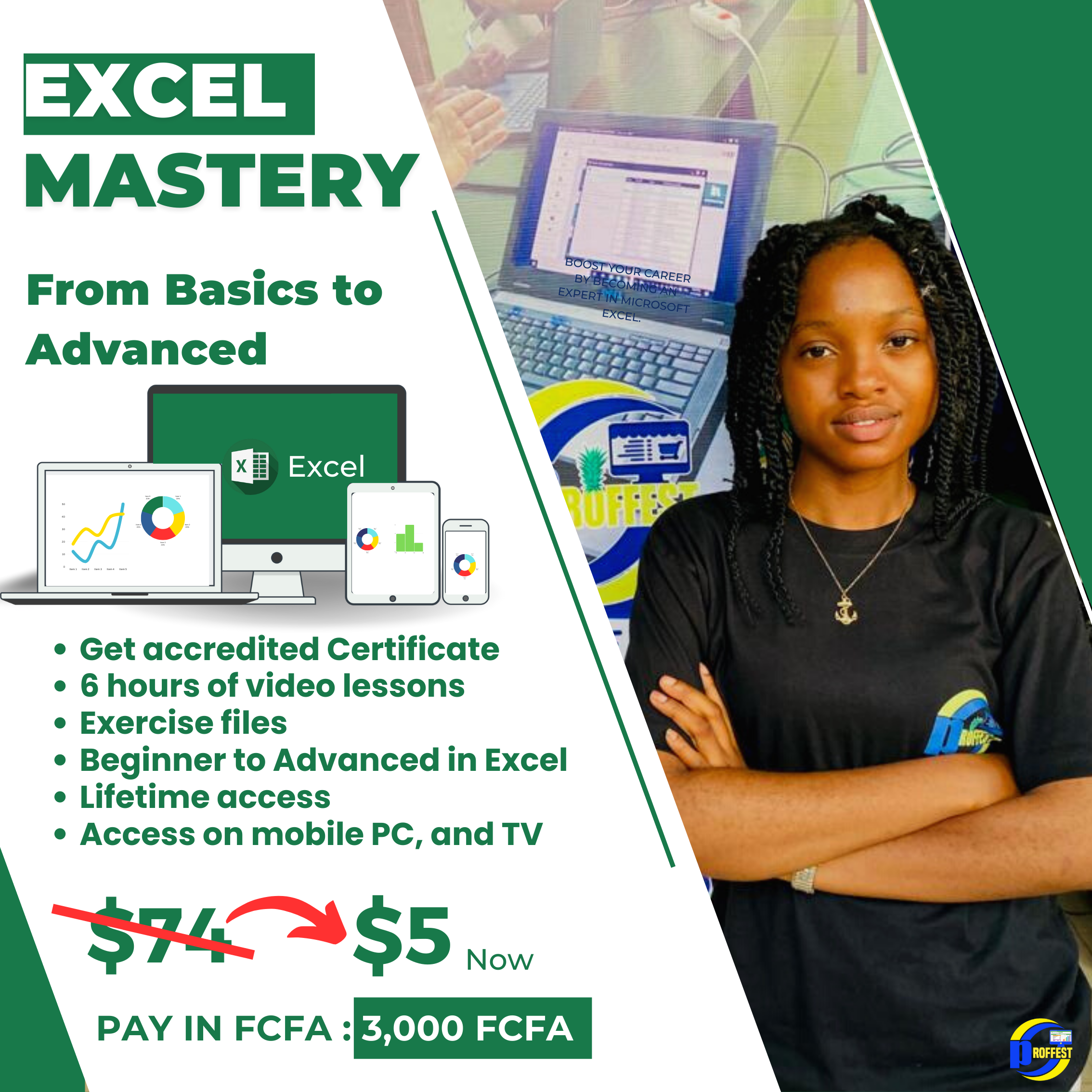
Unlock the Power of Excel: Excel Mastery Online Course
Supercharge your productivity and excel in data management with our comprehensive online course. Whether you're a beginner or an experienced user, our expert-led lessons will take you from mastering the basics to becoming an Excel pro.
Gain in-demand skills: Learn advanced data manipulation, visualization, and analysis techniques that will set you apart in today's competitive job market.
Efficiency at your fingertips: Discover time-saving shortcuts, formulas, and automation tools that will skyrocket your productivity and make complex tasks a breeze.
Real-world application: Our practical exercises and real-world examples ensure you can immediately apply what you learn to your work, boosting your effectiveness and efficiency.
Personalized support: As a valued course participant, you'll have exclusive access to our expert instructor. Reach out for guidance and assistance whenever you encounter challenges or need clarification.
Go from novice to expert: From creating powerful spreadsheets to generating insightful reports, our course equips you with the expertise to tackle any data-related challenge confidently.
Join our Excel Mastery Online Course today and unlock a world of possibilities with Excel. Don't miss out on this opportunity to enhance your career and excel in data analysis. Enroll now and gain direct access to our supportive instructor for a seamless learning experience!
What will i learn?
- MS EXCEL FUNCTIONS
- CONDITIONAL FORMATING
- MACROS IN MS EXCEL
- Gain proficiency in VBA for automation.
- Master Excel fundamentals.
- Acquire in-depth knowledge of Excel functions.
- Apply conditional formatting for data analysis.
- Create and execute macros in MS Excel
- Solve Practical case studies using VBA and automation.
- A laptop
- Internet conection
-
what's Excel
.
-
MS EXCEL OVERVIEW
Preview 00:05:47
-
DATA ENTRY AND MANIPULATION
00:13:16
-
FORMATIING, SET PRINT AREA, SAVE YOUR WORK
00:14:15
-
Quiz on introduction
00:00:00
-
Introduction to the section
Preview 00:00:49
-
Working material Details
.
-
Introduction to Excel Functions and Rows
00:13:33
-
The if Function
Preview 00:12:11
-
The Sum, Sumif & Sumifs Functions
00:14:41
-
The Average and Averageif Functions
00:05:00
-
The COUNT. COUNTIF. COUNTIFS Functions
00:08:47
-
The COUNT. COUNTIF. COUNTIFS Functions
00:08:47
-
Text efficient left right
00:11:33
-
VLOOKUP AND DATA VALIDATION
00:09:34
-
Using the MATCH AND INDEX FUNCTIONS
00:17:54
-
THE IFERROR FUNCTION
00:05:57
-
Quiz on Ms Excel Functions
00:00:00
-
What are Macros and VBA?
Preview .
-
INTRODUCTION TO MACROS
00:08:51
-
Initialization to VBA
00:24:55
-
Notes on VBA
.
-
Quiz on Macros and VBA
00:00:00
-
Presentation of the Case Study
Preview 00:02:23
-
Building the different worksheets for the case study
00:13:49
-
AUTOMATING THE SALES INVOICE WITH THE USE OF VLOOKUP,ROW,IF,IFERROR FUNCTION
00:27:54
-
BUILDING AN INTELLIGENT STOCK-CARD
00:39:24
-
Using The VBA CODE TO AUTOMATE THE SALES INVOICE
00:53:31
-
Converting the Invoice to PDF Using the VBA code
00:21:05
-
CONDITIONAL FORMATTING FOR THE STOCK CARD
00:18:01
-
EXAM CASE STUDY DOCUMENT
.
-
Case Study Exam
00:00:00

Reviews
-
 Homdip LaetitiaAs someone who's always struggled with Excel, I was pleasantly surprised by how much I learned in this online course. The instructor was patient and explained things in a way that was easy to understand, and the course was paced well. I now feelmuch more comfortable using Excel and am excited to apply my new skills in my work.
 -
NTEIN DIEUDONNE MOUHSo beautiful I enjoy it????????????????????
-
Ngufor UlrichThis MS Excel course was excellent! The instructor was knowledgeable and engaging, and the course was packed with useful tips and tricks. I appreciated the real-world examples and exercises that helped me apply what I learned. I highly recommend this course to anyone looking to improve their Excel skills.
-
Enow ClemantineI never thought I could enjoy learning about Excel, but this course proved me wrong! The instructor was so enthusiastic and made the material interesting and engaging. The course covered everything from basic functions to advanced formulas, and I now feel like an Excel pro.
-
Nkwawir Bill Wilson Nyuyunihave been using Excel for years, but there were still many features and functions that I didn't know about until I took this course. The explanations were clear and concise, and the exercises helped me practice and reinforce what I learned. This course is definitely worth the investment!
-
Tedongmo GuillaineI was hesitant to take an online course, but this MS Excel course exceeded my expectations. The video lessons were high-quality and easy to understand, and the course materials were well-organized and helpful. I learned more in this course than I did in any in-person Excel class I've taken.
-
Meli wayim Loic marcoThis MS Excel course was a game-changer for me. I learned so much about Excel that I didn't know before, and the instructor was excellent at explaining things. The course was also interactive and engaging, with plenty of opportunities for hands-on practice. I would recommend this course to anyone looking to improve their Excel skills.
-
Sonkoue FrancisI recently took an MS Excel course online and was blown away by how much I learned! The course was well-structured and easy to follow, and the instructor was engaging and knowledgeable. I feel much more confident using Excel now and highly recommend this course to anyone looking to improve their skills.
Write a public review